问题描述
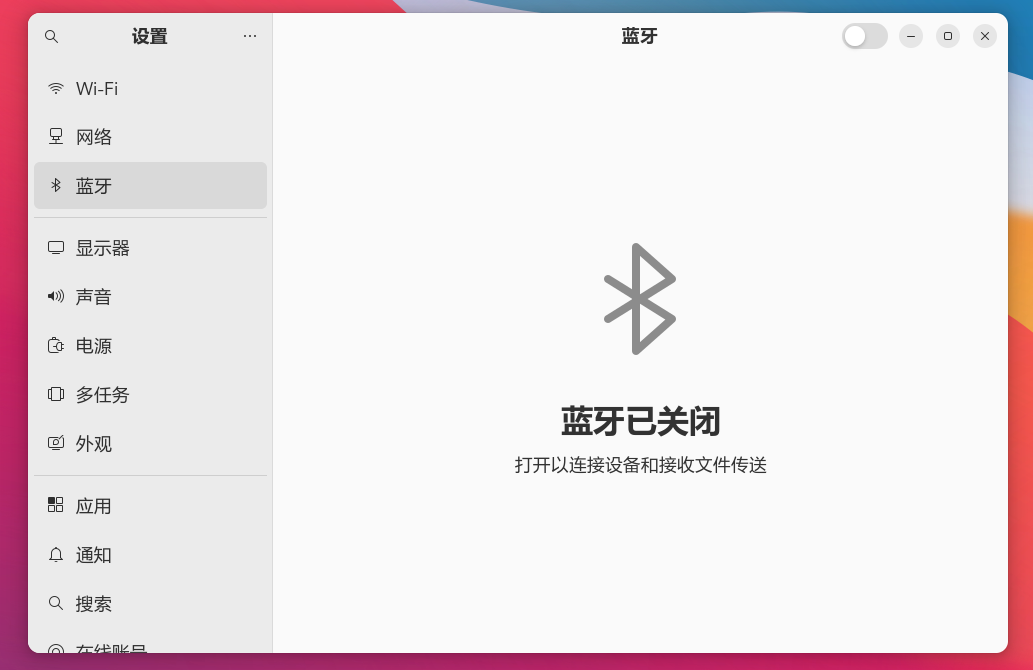
今天突然发现台式机上的蓝牙无法启动,按钮开启后蓝牙仍然处于关闭状态。如图所示:

解决方案
1. 卸载并重新加载btusb内核模块(支持蓝牙设备的内核模块)
1
2
3
4
| sudo rmmod btintel
sudo rmmod btusb
sudo modprobe btusb
sudo modprobe btintel
|
{% note primary %}
- 2024年08月29日, 升级ArchLinux后发现蓝牙再次无法打开,根据文章
在Archlinux 下蓝牙突然无法打开的解决办法
修复此问题,于是做出如上修改。
- 2024年12月08日, 升级ArchLinux后发现问题复现,但是这次我注意到是 Linux 内核有更新。使用本方法仍然解决问题。
{% endnote %}
当蓝牙总是不能开启时,查看蓝牙服务, 得到如下信息:
 1
 2
 3
 4
 5
 6
 7
 8
 9
10
| 12月 08 21:08:03 archlinux bluetoothd[648]: src/plugin.c:init_plugin() System does not support bap plugin
12月 08 21:08:03 archlinux bluetoothd[648]: src/plugin.c:init_plugin() System does not support bass plugin
12月 08 21:08:03 archlinux bluetoothd[648]: src/plugin.c:init_plugin() System does not support mcp plugin
12月 08 21:08:03 archlinux bluetoothd[648]: src/plugin.c:init_plugin() System does not support vcp plugin
12月 08 21:08:03 archlinux bluetoothd[648]: profiles/audio/micp.c:micp_init() D-Bus experimental not enabled
12月 08 21:08:03 archlinux bluetoothd[648]: src/plugin.c:init_plugin() System does not support micp plugin
12月 08 21:08:03 archlinux bluetoothd[648]: src/plugin.c:init_plugin() System does not support ccp plugin
12月 08 21:08:03 archlinux bluetoothd[648]: src/plugin.c:init_plugin() System does not support csip plugin
12月 08 21:08:03 archlinux bluetoothd[648]: src/plugin.c:init_plugin() System does not support asha plugin
12月 08 21:08:03 archlinux bluetoothd[648]: Bluetooth management interface 1.23 initialized
|
因此判断蓝牙无法启动的原因是内核升级造成的,因此使用此法成功解决问题。
2. 安装蓝牙工具和工具包
1
| sudo pacman -S --needed --noconfirm bluez bluez-utils pipewire-pulse bluedevil blueman
|
3. 启动蓝牙服务
1
| sudo service bluetooth start
|
4. 重新解除蓝牙设备的阻止
1
2
| rfkill block bluetooth
rfkill unblock bluetooth
|
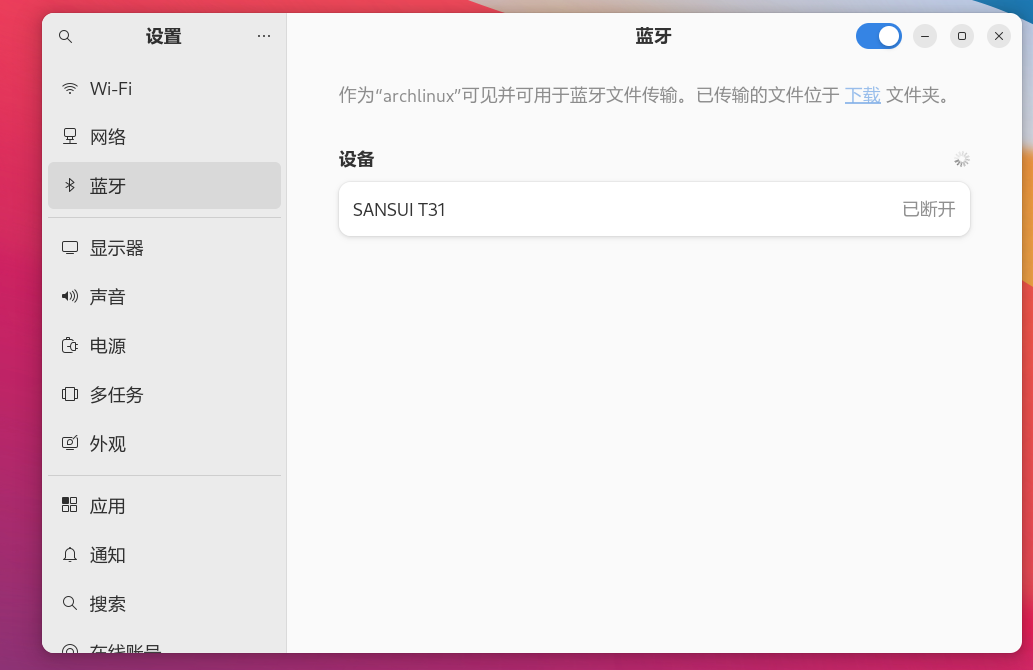
蓝牙设备可被检测到